13 Ways to Fix “Something Went Wrong” on YouTube
YouTube keeps saying something went wrong? Here are 13 fixes that work on Android, iPhone, PC, Mac and smart TVs, from a quick refresh to clearing cache and turning off VPNs.
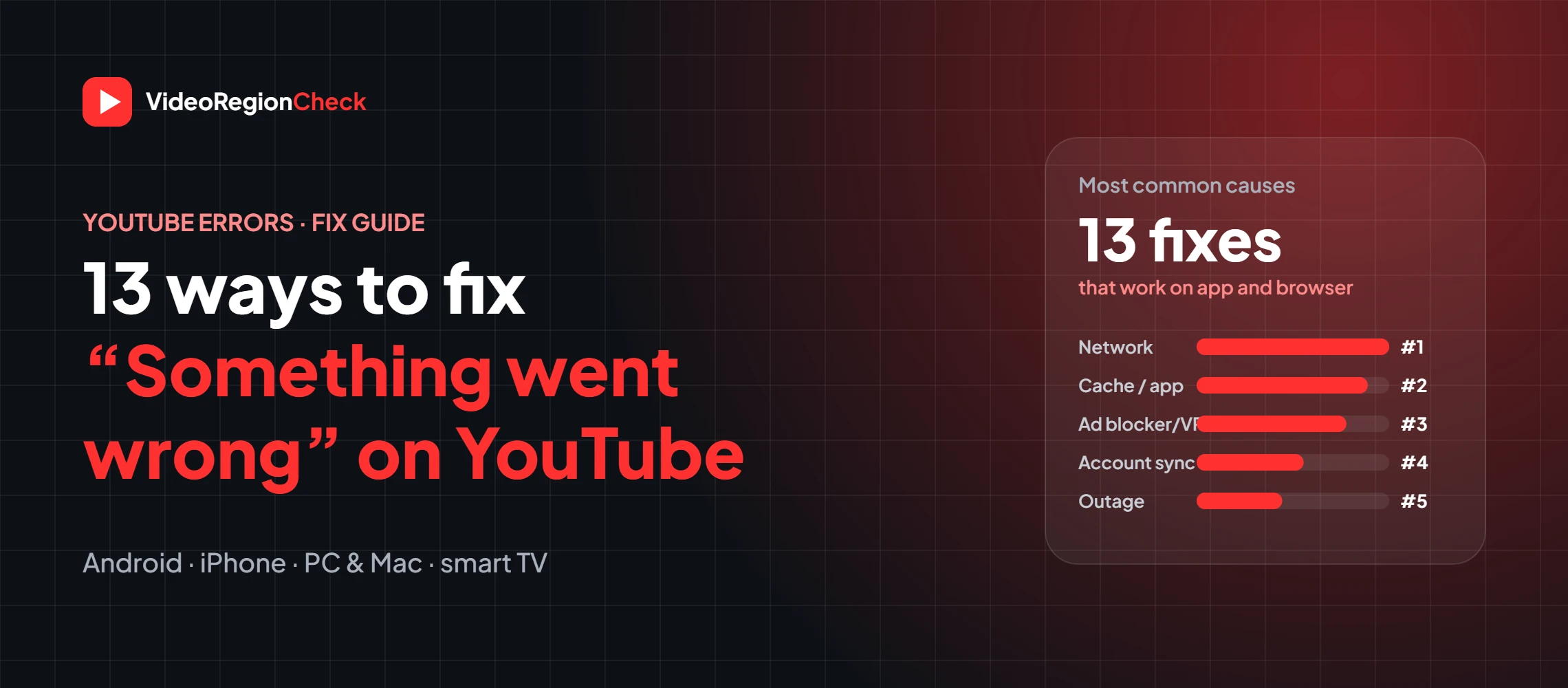
You tap a video and instead of playing, YouTube shows a grey screen: “Something went wrong.” Sometimes it adds “Tap to retry” or “Refresh or try again later”, and sometimes it just keeps coming back. The good news is that this YouTube error almost always has a simple cause, and you can fix it yourself in a few minutes.
Below are 13 ways to fix “Something went wrong” on YouTube, ordered from quickest to most involved, with notes for Android, iPhone, PC, Mac and smart TVs. The fixes follow YouTube’s official troubleshooting steps plus what works in practice.
Key takeaways
- Most cases come from the network, app cache, an ad blocker or VPN, or an outdated app or browser.
- Start simple: retry, check if YouTube is down, test your internet.
- On a computer, test in an incognito window with extensions off.
- On a phone, update the app, clear its cache and restart.
- “Video unavailable” is a different problem, often a region block.
Why does YouTube say “Something went wrong”?
YouTube shows this generic message whenever the app or player can’t load what it needs. The most common causes are:
- A weak, unstable or restricted internet connection
- An outdated YouTube app, browser or operating system
- Corrupted app cache or browser cookies
- Ad blockers, VPNs, proxies or browser extensions
- Account sign-in or sync problems
- Wrong DNS or date and time settings
- A YouTube outage or server problem
Different versions of the error
| Error message | Where you see it | Usual cause |
|---|---|---|
| Something went wrong. Refresh or try again later | Browser (PC, Mac) | Page or player failed to load |
| Something went wrong. Tap to retry | YouTube app (Android, iPhone) | Connection, cache or account issue |
| Oops, something went wrong | App or browser | General loading error |
| An error occurred. Please try again later | Browser, smart TV | Player error, often network or extension |
| YouTube is unavailable, try again later | Any device | Network, VPN, DNS or outage |
| Something went wrong. Please try again | Comments, uploads, YouTube Studio | Temporary server or account error |
13 ways to fix “Something went wrong” on YouTube
1. Refresh the page or tap to retry
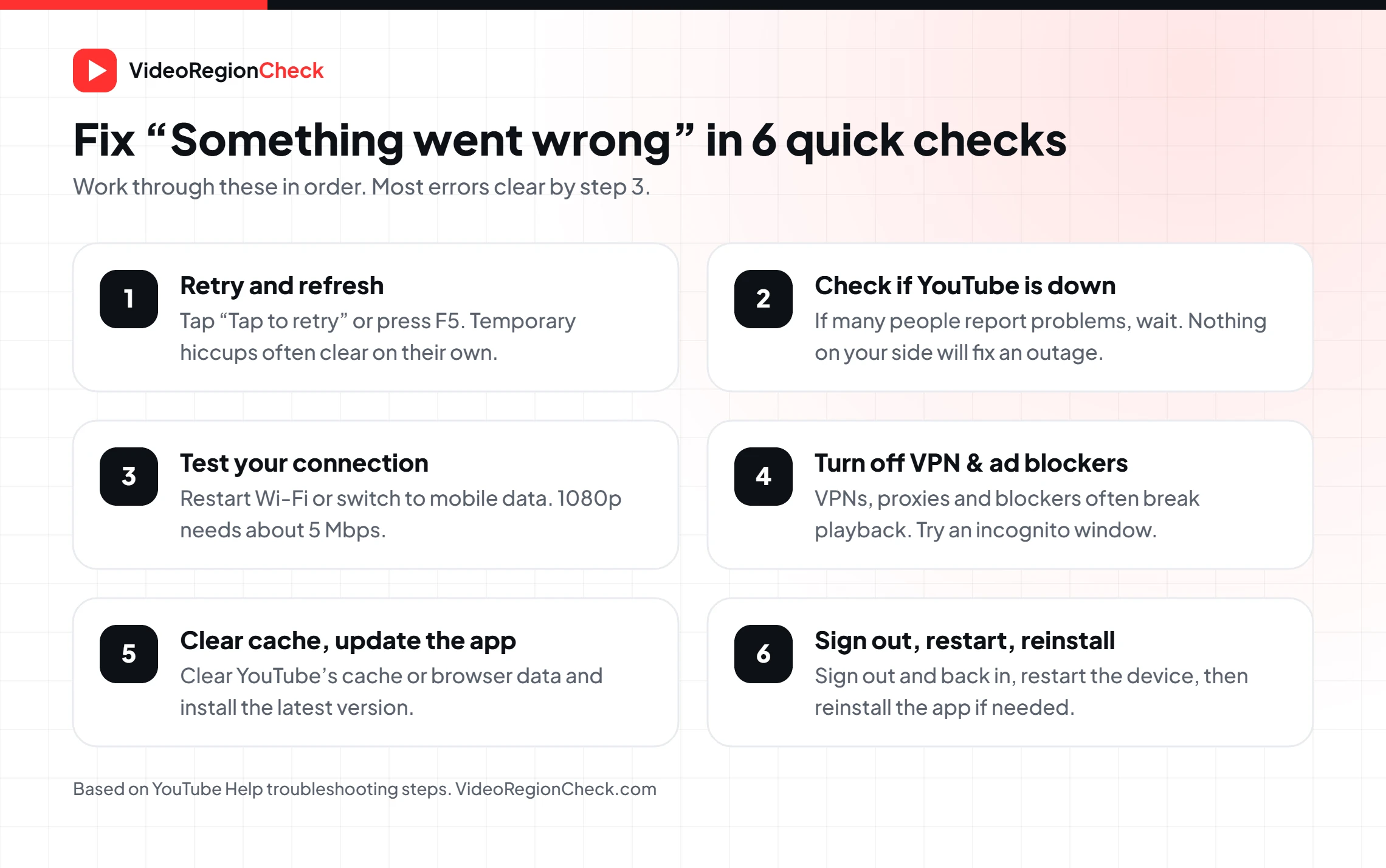
On a computer, press F5 (or Cmd+R on Mac). In the app, tap Tap to retry or pull down to refresh. Many “something went wrong” errors are one-off connection hiccups that clear straight away.
2. Check whether YouTube is down
If YouTube keeps saying something went wrong on every device, the problem may be on YouTube’s side. Check an outage tracker or search “is YouTube down”. During an outage, nothing on your device will fix it, so wait and try again later.
3. Test your internet connection
Run a speed test. YouTube suggests about 5 Mbps for 1080p. Restart your router, move closer to Wi-Fi, or switch between Wi-Fi and mobile data to see if the error follows the network.
4. Sign out and sign back in
Account sync problems can trigger the error, especially on the YouTube app. Sign out, close the app, open it again and sign back in. On a browser, make sure you’re signed in, because some features fail when you’re signed out.
5. Update the YouTube app or your browser
Old app versions and browsers stop working with YouTube’s player. Update YouTube from the Play Store or App Store, or update Chrome, Firefox, Safari or Edge to the latest version.
6. Clear the YouTube app cache or browser data
On Android, go to Settings → Apps → YouTube → Storage → Clear cache. On iPhone, offload or reinstall the app. In a browser, clear cached images and files and cookies for youtube.com.
7. Turn off ad blockers
YouTube’s Help Center specifically asks you to allow ads and turn off ad blockers if you see this error. Blockers can stop the player from loading, so whitelist YouTube or disable the blocker and reload.
8. Disable browser extensions (try incognito)
Open YouTube in an incognito or private window with extensions turned off. If the video plays, re-enable extensions one by one to find the one causing the error.
9. Turn off your VPN or proxy
VPNs and proxies often trigger “Something went wrong. Refresh or try again later” and “YouTube is unavailable, try again later”. Disconnect and reload. If a video only fails in one country, it may be region-blocked; you can check with our YouTube Region Restriction Checker.
10. Check your DNS settings
YouTube recommends making sure your DNS servers are set correctly and haven’t been changed by another app. Switch DNS back to automatic, or try a public DNS such as Google (8.8.8.8) or Cloudflare (1.1.1.1).
11. Set the date and time to automatic
A wrong date or time can break secure connections to YouTube. Turn on Set automatically in your phone’s or computer’s date and time settings.
12. Restart your device and router
A full restart clears stuck processes and network caches. Turn off your phone, computer or TV, unplug the router for 30 seconds, then start everything again.
13. Reinstall the app or update your device
If the YouTube app keeps saying something went wrong, uninstall it, restart the device and install it again. Also install any system updates for Android, iOS, your smart TV or streaming stick.
Fixes by device
| Device | Try these first |
|---|---|
| Android | Clear cache (Settings → Apps → YouTube → Storage), update the app, allow background and mobile data, restart. |
| iPhone / iPad | Force close and reopen, update from the App Store, turn off VPN, check Settings → YouTube → Mobile Data, reinstall. |
| PC / Mac browser | Refresh, test incognito, turn off ad blocker and extensions, clear cache and cookies, update the browser. |
| Smart TV / streaming stick | Restart the TV and router, update the YouTube app and TV software, clear the app’s data, sign out and in. |
Still seeing the error?
If none of the 13 fixes work, try a different device on the same network and the same device on a different network. That tells you whether the problem is the device, the app or your connection. If the error appears only on certain videos, the video itself may be restricted. For uploaders, a “Something went wrong” message in YouTube Studio usually clears after waiting a few minutes and refreshing.
Checking a specific video? Our YouTube Video Analytics tool shows whether a video is public and still getting views, and the Region Checker shows every country where it’s blocked.
Frequently asked questions
Why does my YouTube say something went wrong?+
Usually because of a weak or unstable internet connection, outdated app or browser, corrupted cache, an ad blocker, VPN or browser extension, an account sign-in problem, or a YouTube outage. Work through the fixes from quickest to most involved.
Why does YouTube keep saying something went wrong on my phone?+
On mobile, the most common causes are a weak signal, an outdated YouTube app, a full or corrupted app cache, a VPN, or mobile data being turned off for YouTube. Update the app, clear its cache, check data permissions and restart the phone.
How do I fix “Something went wrong. Refresh or try again later” on PC?+
Refresh the page, then turn off ad blockers and extensions (test in incognito), clear your browser cache and cookies, update the browser, disconnect any VPN and restart your router. If YouTube is down, wait and try later.
How do I fix “Something went wrong. Tap to retry” on iPhone?+
Tap retry, then force close the YouTube app and reopen it. Update the app, turn off any VPN, check that YouTube is allowed to use mobile data, sign out and back in, and reinstall the app if the error continues.
What does “YouTube is unavailable, try again later” mean?+
It usually means YouTube can’t connect from your network, often because of a VPN, proxy, firewall, DNS issue or a temporary outage. Disconnect the VPN, switch networks and try again.
Is “Something went wrong” the same as “Video unavailable”?+
No. “Something went wrong” is a loading or connection error. “Video unavailable” usually means the video is private, removed, or blocked in your country by the uploader or a rights holder.
Can an ad blocker cause YouTube errors?+
Yes. YouTube’s own troubleshooting guide tells you to allow ads and turn off ad blockers when you see this error, because blockers can stop the player from loading.
The bottom line
“Something went wrong” on YouTube is almost always a connection, cache, app or blocker problem, not a broken account. Retry, check whether YouTube is down, test your internet, then work through updates, cache, ad blockers, VPN and DNS. A restart or reinstall fixes the rest. If a single video still won’t play, check whether it’s unavailable in your country.
Related articles
 BlogHow to Delete YouTube Comments (Mobile & PC)Delete YouTube comments on mobile and PC: remove your own comments, find them in Comment History, clear many at once,…
 BlogHow to Get Verified on YouTube in 2026 (Free)How to get the YouTube verification badge for free: 2026 requirements (100K subscribers), how to apply in YouTube Studio, and…
 BlogHow to Improve YouTube Video Quality on UploadYouTube video quality bad after upload? Learn why videos look blurry, YouTube’s recommended export settings and bitrates, and how to…