How to Get Verified on YouTube in 2026 for Free
The YouTube verification badge is free once you qualify. Here are the 2026 requirements, how to apply in YouTube Studio, and how to verify your account to unlock extra features.
In this article
The grey check mark next to a channel name tells viewers the channel really belongs to the creator, brand or public figure it represents. It builds trust and protects you from impersonators. The good news: YouTube verification is free. You just need to meet the requirements and apply. Here’s how to get verified on YouTube in 2026, plus how to verify your YouTube account to unlock extra features.
Key takeaways
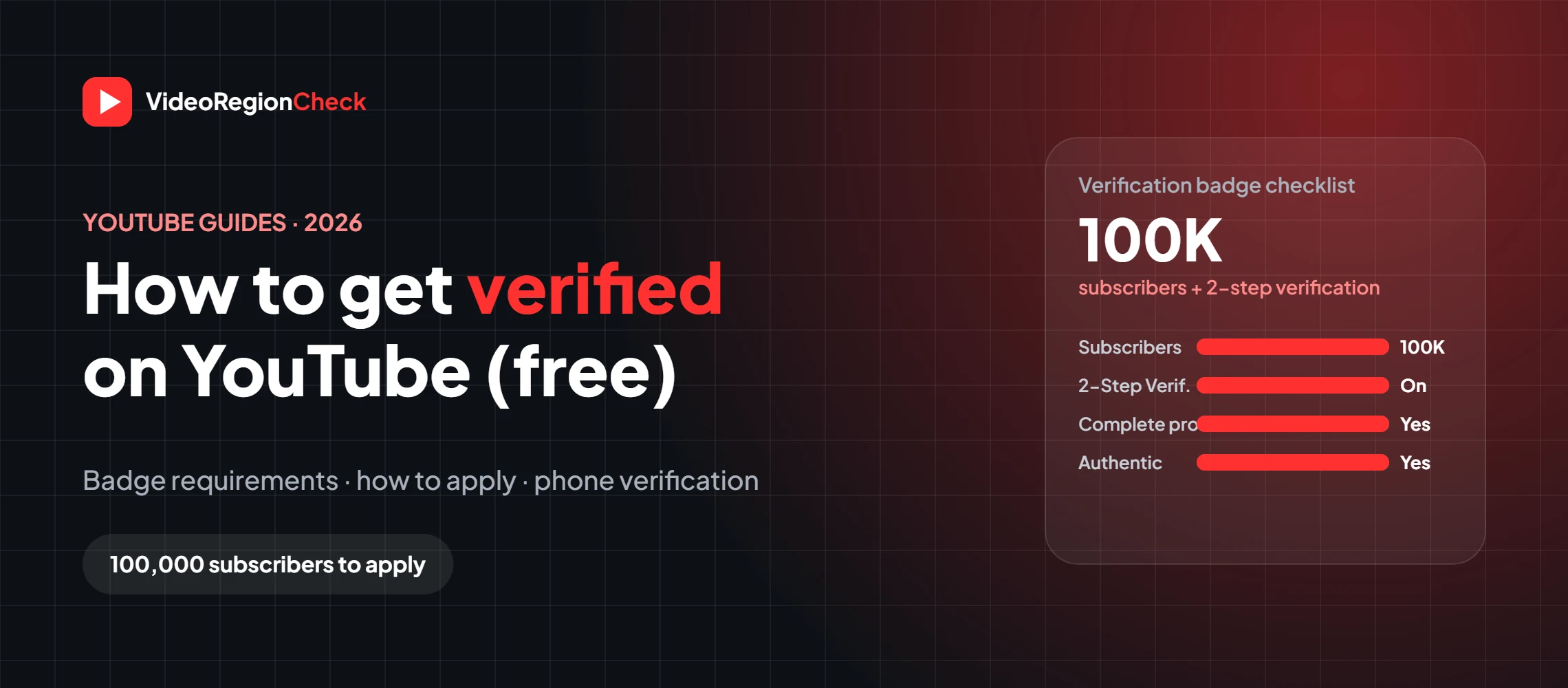
- The verification badge needs 100,000 subscribers.
- You also need 2-Step Verification and a complete, active, authentic channel.
- Apply in YouTube Studio → Settings → Channel → Verified badge.
- Verification is free. Never pay anyone for a badge.
- Account verification (phone) is different and unlocks features like custom thumbnails.
What is the YouTube verification badge?
The YouTube channel verification badge is a grey check mark that appears next to a channel’s name across YouTube. It confirms the channel is the official presence of a creator, artist, company or public figure. It doesn’t mean YouTube endorses the content, and it doesn’t affect monetization or search rankings directly, but it helps viewers find the real you.
YouTube verification requirements
According to YouTube Help, your channel needs to meet all of these:
| Requirement | What it means |
|---|---|
| 100,000 subscribers | The minimum to apply. YouTube may proactively verify well-known channels with fewer. |
| 2-Step Verification | Turned on for the Google Account that owns the channel. |
| Authentic | The channel represents the real creator, brand or entity. YouTube may consider channel age and ask for documents. |
| Complete | Public channel with a banner, profile picture, description and at least one public video. |
| Active | The channel has content and is active on YouTube. |
How to get verified on YouTube (step by step)
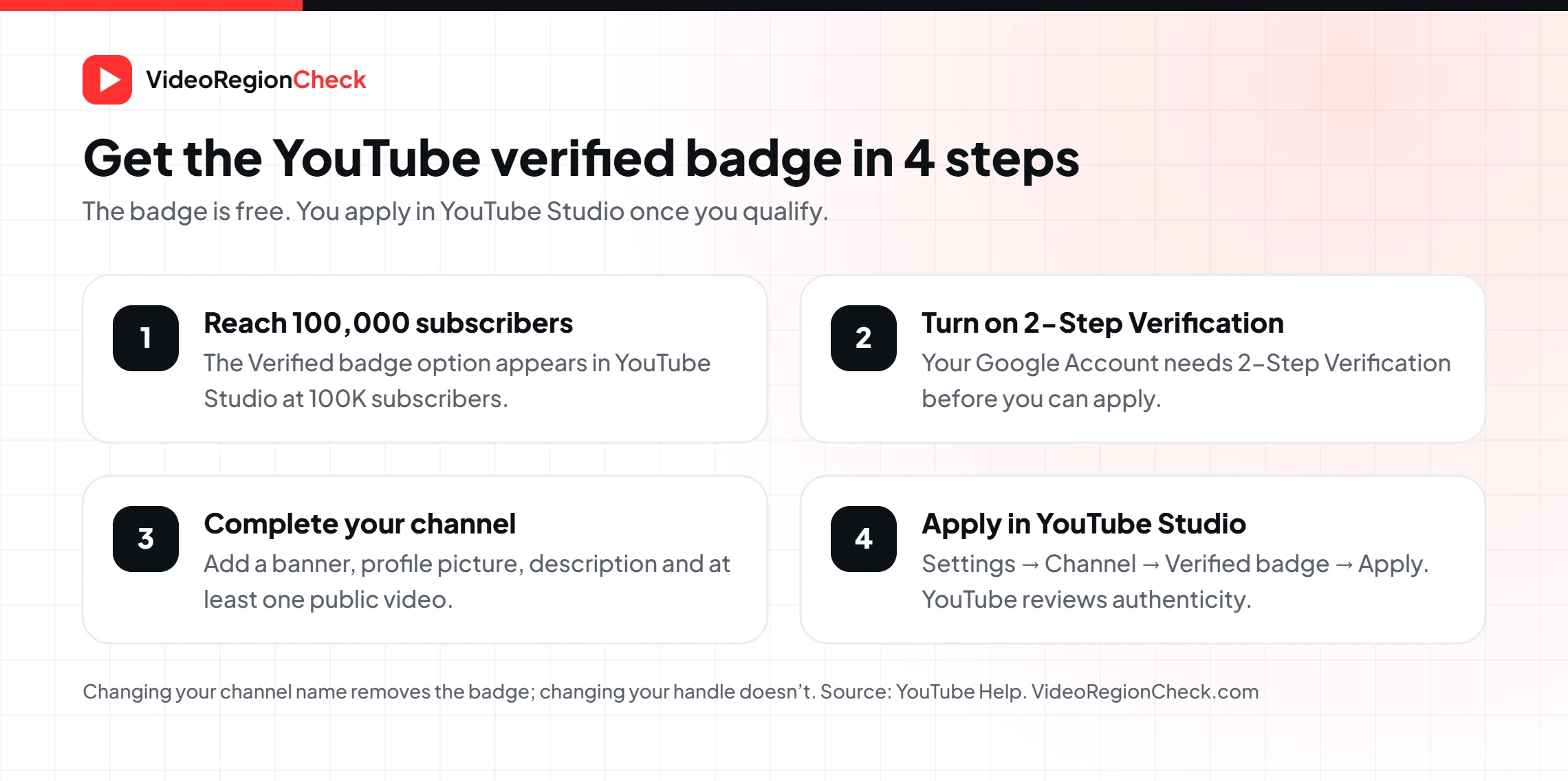
Reach 100,000 subscribers
The Verified badge option only appears once your channel hits 100K. It can take a few days to show up after you cross the threshold.
Turn on 2-Step Verification
In your Google Account, go to Security and turn on 2-Step Verification. YouTube Studio will prompt you if it’s missing.
Complete your channel
Add a banner, profile picture and description, and make sure at least one video is public.
Open YouTube Studio on a computer
Go to Settings → Channel → Verified badge. Only channel owners and managers can see this.
Click Apply
Submit the application. YouTube reviews whether the channel is authentic and may ask for more information.
When do you get verified on YouTube?
You become eligible at 100,000 subscribers. After you apply, YouTube reviews the channel; there’s no published timeline, so it can take a few days or longer. If the application is declined, focus on keeping the channel complete and active, and make sure your channel name clearly matches who you are.
Track how close you are with our YouTube Subscribers Count tool. Growing toward 100K? Our guide on how much YouTube pays per subscriber explains what that audience is worth.
How to verify your YouTube account (phone verification)
“Verify my YouTube channel” often means something different: account verification. This confirms you’re a real person and unlocks extra features, no matter how many subscribers you have.
- Go to youtube.com/verify on a computer (or YouTube Studio → Settings → Channel → Feature eligibility).
- Choose to get a code by text or voice call and enter your phone number.
- Enter the code YouTube sends you and click Submit.
| Verification badge | Account (phone) verification | |
|---|---|---|
| Requirement | 100,000 subscribers + review | A phone number |
| What you get | Grey check mark next to your name | Custom thumbnails, videos over 15 minutes, live streaming |
| Where | YouTube Studio → Settings → Channel → Verified badge | youtube.com/verify |
| Cost | Free | Free |
Some advanced features may need extra checks, such as video verification, a valid ID or enough channel history. YouTube Studio shows what’s available under Feature eligibility.
How to keep your badge
- Don’t change your channel name unless you have to. A name change removes the badge and you must reapply. Changing your handle is fine.
- Follow the Community Guidelines. YouTube can remove verification from channels that break its rules.
- Stay active. Keep uploading and keep your profile complete.
- Ignore “verification for sale” offers. They’re scams.
Frequently asked questions
How many subscribers do you need to get verified on YouTube?+
100,000 subscribers. That’s when the Verified badge option appears in YouTube Studio. YouTube may also verify well-known channels below that number on its own.
Is YouTube verification free?+
Yes. There’s no fee to apply for or keep the verification badge. Anyone offering to sell you a badge is running a scam, and buying one can put your channel at risk.
When do you get verified on YouTube?+
Once you have 100,000 subscribers, 2-Step Verification turned on and a complete, active, authentic channel, you can apply in YouTube Studio. The form can take a few days to appear after you hit 100K, and YouTube then reviews the application.
How do I verify my YouTube account?+
Account (phone) verification is different from the badge. Go to youtube.com/verify, enter your phone number and the code YouTube sends. This unlocks intermediate features like custom thumbnails, videos longer than 15 minutes and live streaming.
Why can’t I see the Verified badge option in YouTube Studio?+
Your channel hasn’t reached 100,000 subscribers yet, you’re not signed in as the owner or manager, or you reached the threshold very recently and the form hasn’t appeared yet.
Can I lose my YouTube verification badge?+
Yes. Changing your channel name removes the badge and you’ll need to reapply. Changing your handle doesn’t. YouTube can also remove verification from channels that break its Community Guidelines or Terms of Service.
What does the music note next to a channel name mean?+
It marks an Official Artist Channel, which brings an artist’s music and videos together in one place. It’s separate from the grey check mark verification badge.
The bottom line
Getting verified on YouTube is free. Once your channel has 100,000 subscribers, 2-Step Verification and a complete, active and authentic profile, apply in YouTube Studio under Settings → Channel → Verified badge. If you just want custom thumbnails, longer videos or live streaming, verify your account with a phone number at youtube.com/verify instead.
Related articles
 BlogHow to Delete YouTube Comments (Mobile & PC)Delete YouTube comments on mobile and PC: remove your own comments, find them in Comment History, clear many at once,…
 BlogHow to Improve YouTube Video Quality on UploadYouTube video quality bad after upload? Learn why videos look blurry, YouTube’s recommended export settings and bitrates, and how to…
 Blog13 Ways to Fix “Something Went Wrong” on YouTubeYouTube keeps saying something went wrong? Try 13 fixes for the app, iPhone, Android, PC and TV, including “Tap to…